 icon.
icon.
This dialog box is used to print the result of report. It is shown by
selecting the 'File | Print' or icon.
And it can be set more details by selecting the 'Properties...' button.
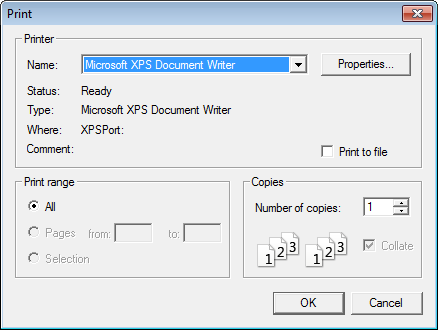
<Figure 1> Print dialog box
Printing the report can be done at LocalMain, by using the script function like @ReportPrint, @ReportSetTime, @ReportPrintMulti, etc.
Notice) It prints the result of report, when it isn't 'View as run mode'.
Reference) Printing the Report at LocalMain(오류 발생)
Relete items)